Lyrics, media & slides
Three of the Live Session content tabs cover everything that isn't scripture: Lyrics, Media, and Slides.
Lyrics
The Lyrics tab holds your song library. Search by title, artist, or a line of lyrics.
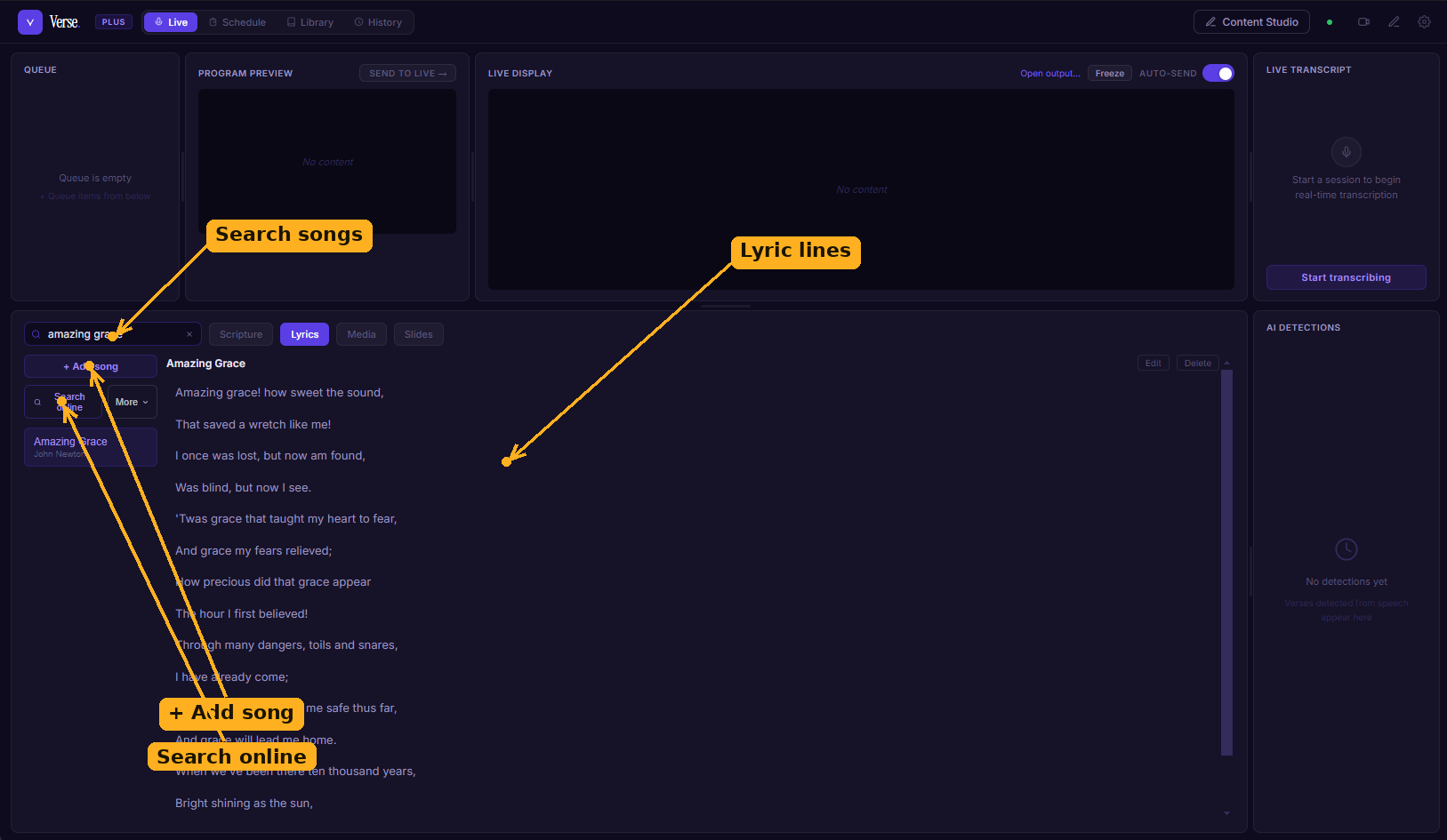
The Lyrics tab: search your library by title, artist, or line; add a song or search the online catalogue; and send lyric lines to the screen one at a time.
- + Add Song opens an editor where you enter the title, artist, and lyrics line by line.
- Search online looks up songs from the shared catalogue and imports matches into your local library so they're available offline next time.
- Lines send to the screen one at a time, so you advance lyrics at the pace of the song.
Media
The Media tab is a grid of imported images and videos you can use as backgrounds or show directly.
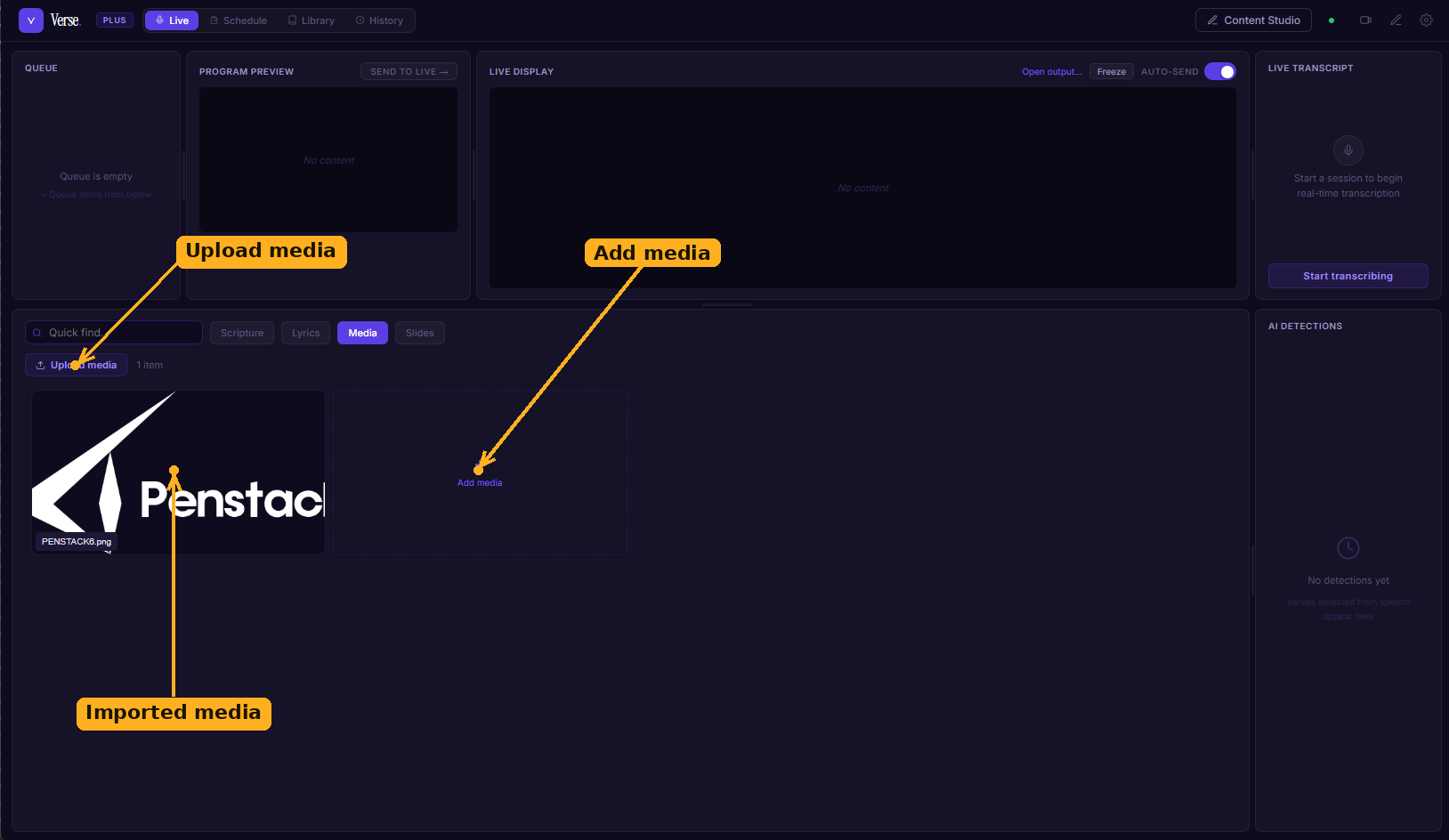
The Media tab: a grid of imported images and videos. Upload with the button or the Add media tile, then show an item or set it as a background.
- Drag image or video files onto the grid, or use the file picker, to import them.
- Set as background applies an image behind scripture or lyric cues; or send a piece of media to the screen on its own.
Slides
The Slides tab is a simple editor for custom slides — announcements, a welcome, a sermon title.
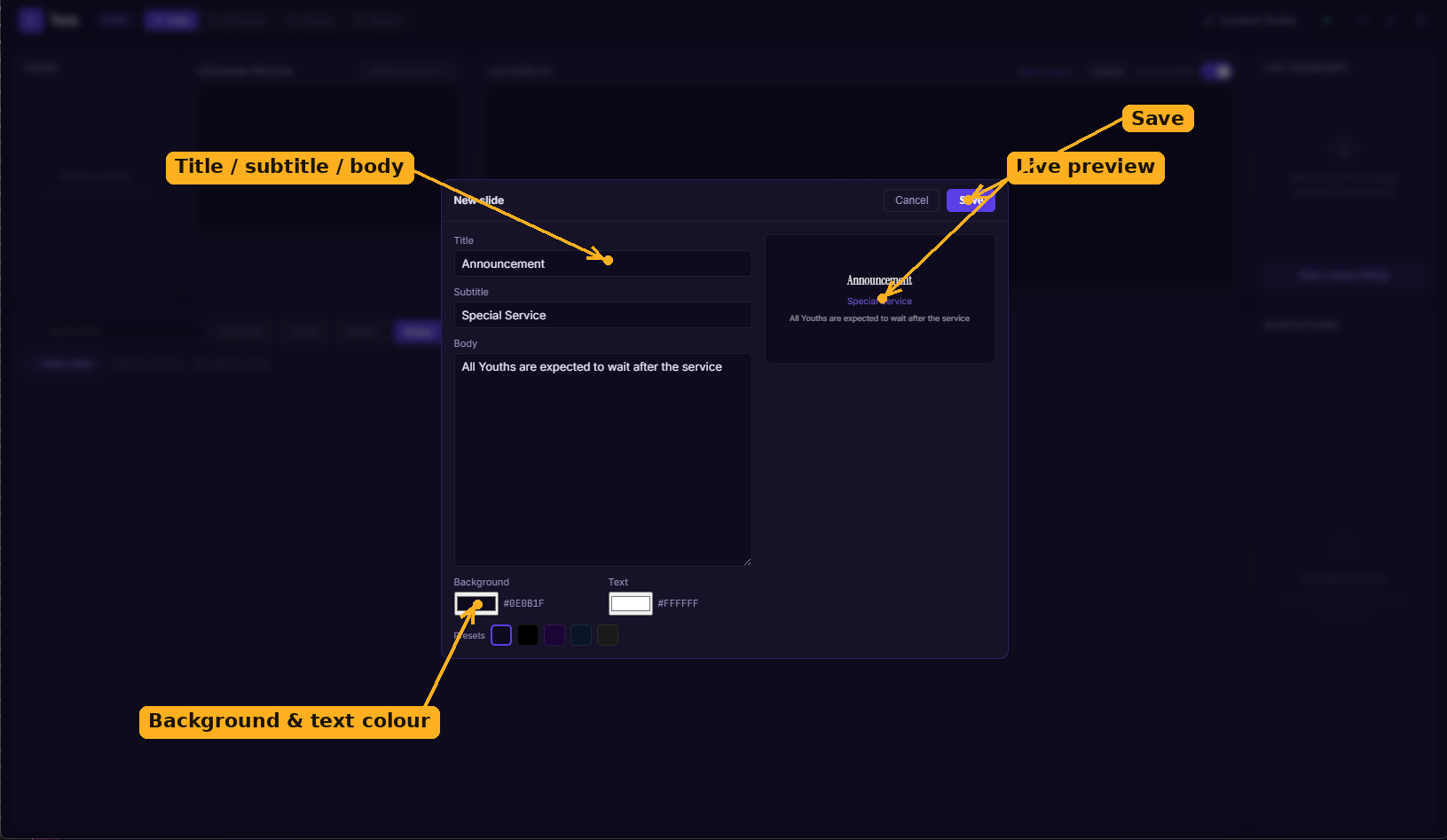
The slide editor: enter a title, subtitle, and body, pick a background and text colour, and watch the live preview update before you save or send.
Enter a title, subtitle, and body; pick a background and text colour; and watch the 16:9 preview update live. Save a slide to reuse it, or send it straight to the screen.